New Web Pages Available for Registered Users
I am making available a new set of web pages for the AccessAble Help Desk Pro Edition. While the latest release of the windows application is version 2.51 and am calling these new web pages version 2.52. I am making them available as a free download to registered users of AccessAble Help Desk Pro Edition. Although some changes might be considered a bug fix, I think most will think of these changes as an enhancement to an already good web interface.
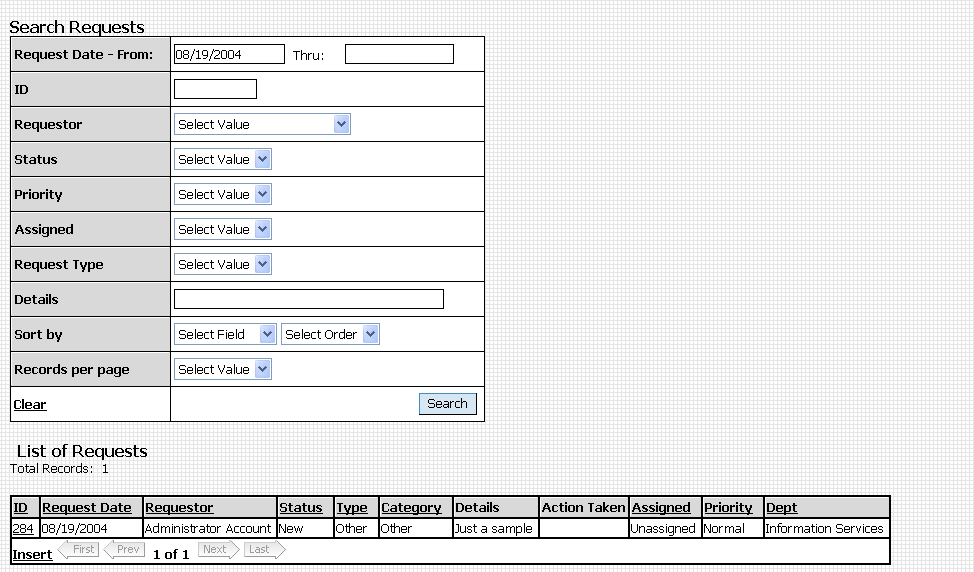
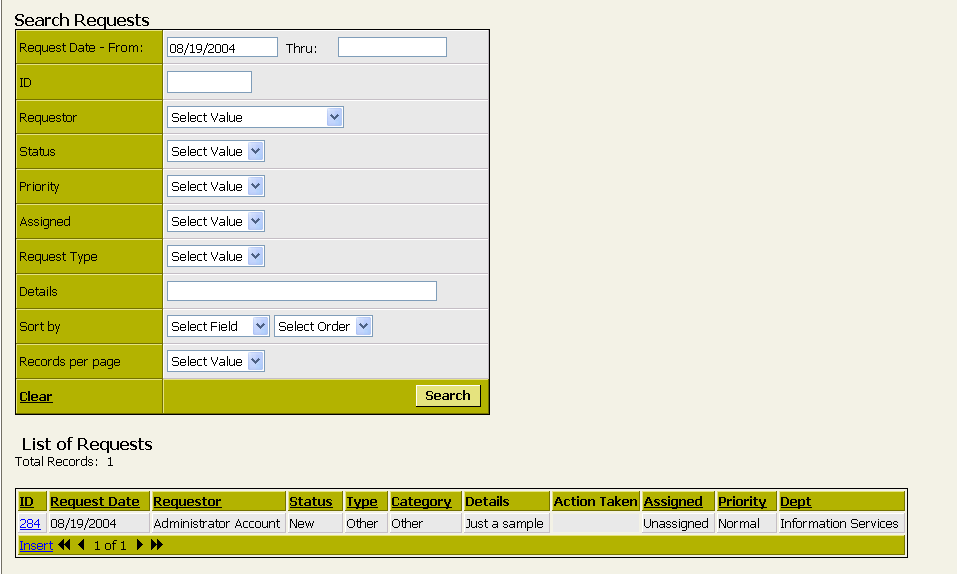
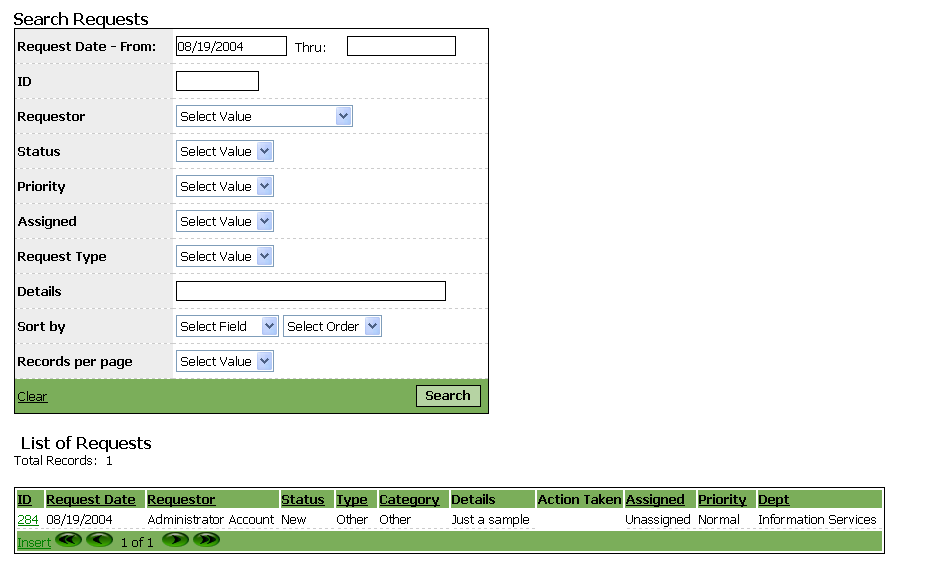
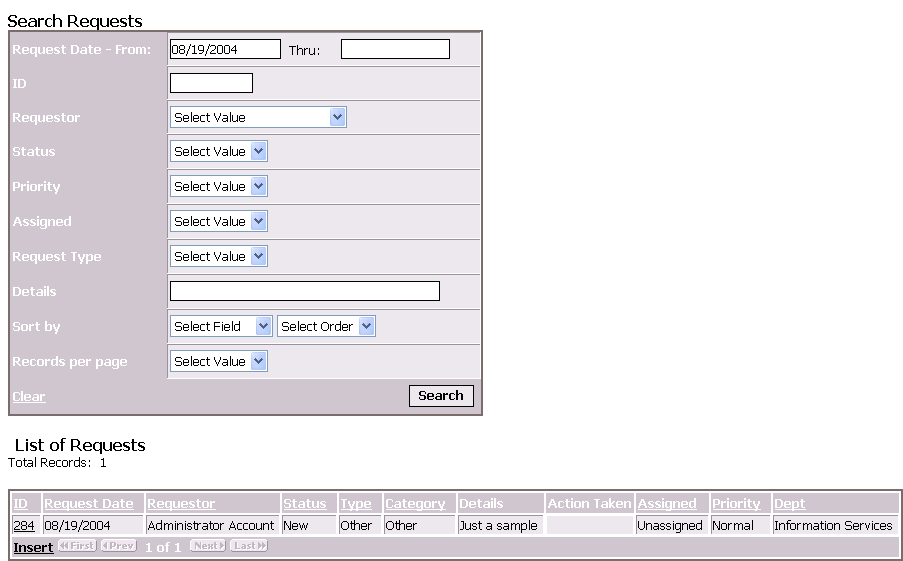
Some of the changes are cosmetic, however, other changes were made at the suggestion of registered users. Most notable perhaps is the addition of date filtering for the customer request grid, and technician request grid. The new pages will allow for filtering the displayed requests based on the request date. The dates must entered in the format dd/mm/yyyy so for months less than 10, such as August you would need to enter 08 rather than just 8. For days of the month lest than 10 you would also need to precede that single digit with a zeo. However, I hope that many will find this date filtering ability useful. In the case of the customer requests grid, the Start Date will default to 30 days prior to the current date, however, that filter is not applied until they click the Search button.
I have made some other changes to the requests grid, as well. This page now include the action taken or planned, and although the details as hyperlink makes a bigger "target" for selecting a record to view or edit, I have removed that hyperlink for aesthetic reasons. I have added a drop down box for those who want to see fewer rows at a time (5, 10, 25).
Finally, I have had some write to me that they would rather have the initial page be a login screen rather than a menu. In earlier versions the login screen was only presented when a page was accessed and the user had not already logged in or did not have a sufficient security level to access that page. With this release I have set up a customerloginscreen.asp page which will then open the customer menu and an adminloginscreen.asp page that will open the admin menu after successful login.
I hope these new pages prove to be beneficial to my registered users and welcome comments and suggestions for future updates. Just email dennis@lnsoftware.com
So you can get an idea of how the changed pages will look and act differently than the pages you may already have installed, there are some links below that you can try. These links will take you to the adminloginscreeen.asp - you can use a login name of Admin and password of Admin to try out the various themes.
| Click the link to login using the named theme. | Click the thumbnail to see a larger image. |
| 1 - Capuccino Theme | |
| 2 - Facet Theme | |
| 3 - Graph Theme | |
| 4 - Sulfur Theme | |
| 5 - Foggy Day Theme | |
| 6 - Caravan Theme | |
| 7 - Folio Theme | |
| 8 - Salad Theme | |
| 9 - Rocket Theme | |
| 10 - Olive Theme | |
| 11 - Nappa Theme | |
| 12 - Deep Water Theme |
More samples to be added soon. If you are registered users and haven't received an email from me by 8/25/2004 - please send me an email so I can be sure to send you the download link/password for the new version 2.52 web pages. If you have not already done so, and have already purchased a site license for AAHD Pro Edition, please also visit the "permission to email" page.