Contents
- Index
- Previous
- Next
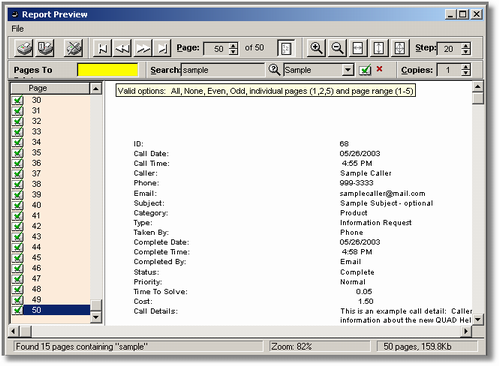
Report Preview
This screen is used when you preview a report. In addition to options to print the current page, all pages, to cancel printing, and change the zoom, you can also search to find text anywhere in the report and then "tag" those pages so you can print only the tagged pages.